

I am completely amazed at how well voice cloning works locally on my machine.
Components
I already had a local MLX Whisper model running, which I use to generate subtitles from video. I thought that was all I needed. Then I asked Codex to build me a voice cloning tool in Python, and it went much deeper than I expected.
The tool ended up using:
- Python
- FFmpeg and FFprobe
- MLX Audio text-to-speech
- MLX Whisper transcription
- Hugging Face model snapshots
Warning
Voice cloning needs to be handled responsibly. Permission, disclosure, and context matter. For this experiment, I used a historical public figure rather than cloning the voice of a living person.
What the Tool Does
- Lets me choose a reference audio or video file
- Lets me choose a speech text file
- Detects and skips leading silence (FFmpeg)
- Extracts and cleans a reference voice sample (FFmpeg)
- Transcribes the cleaned reference using an MLX Whisper model (whisper-large-v3-mlx)
- Generates new speech from text using a local MLX Audio model (higgs-audio-v2-3B-mlx-q8)
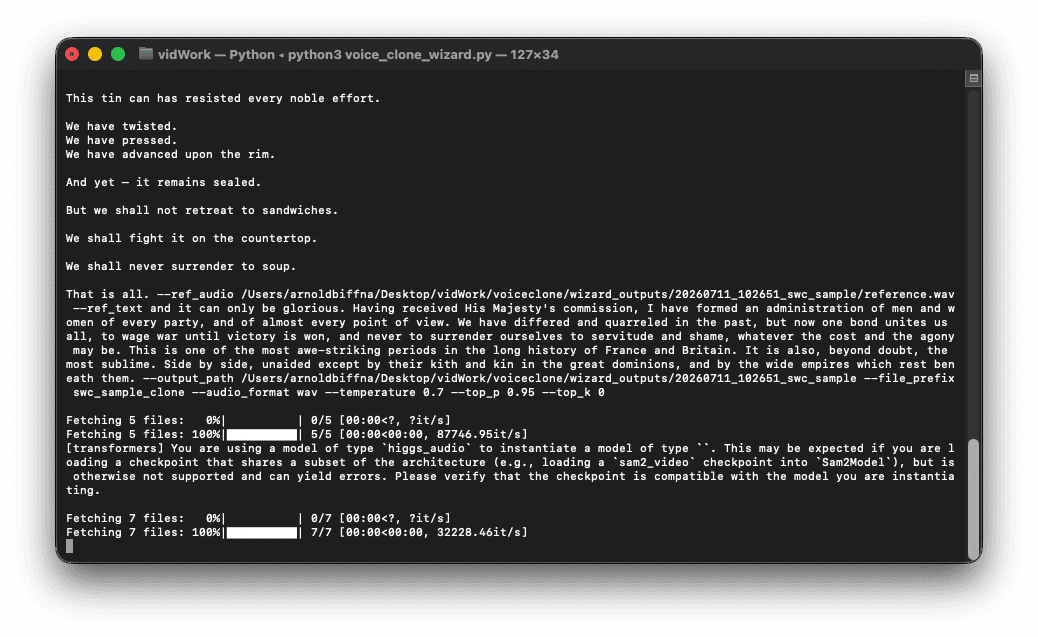
The wild part is that all of this runs locally. No cloud service. No subscription API. Just my Mac, some open-source tools, and a Python script that suddenly feels a little too powerful.